

Browse Our Website
Start by exploring our website to learn more about our banking services, features, and solutions. Take a moment to understand what we offer and choose the services that best suit your needs.



Start by exploring our website to learn more about our banking services, features, and solutions. Take a moment to understand what we offer and choose the services that best suit your needs.

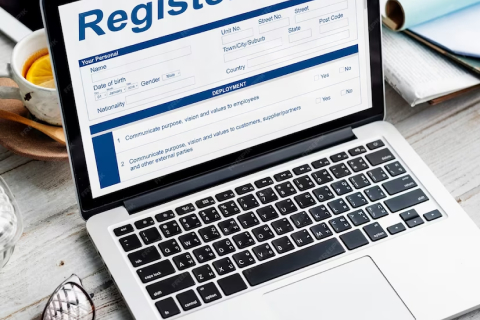
Click on the registration option and create your account by providing the required information. Choose your login details and make sure the information you provide is accurate to ensure a smooth banking experience.
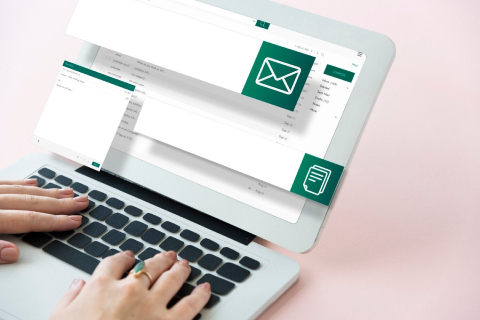
After registration, check your email inbox for a verification message from us. Click the verification link to confirm your email address and activate your account. This step helps keep your account secure.
Once your account has been successfully verified, log in to your account and access your banking dashboard. From there, you can manage your account and use the available banking services and transaction features securely and conveniently

Add funds securely to your Centrava account and keep your money available for your everyday financial needs and future plans.
Manage and monitor your banking activities from your account. Easily keep track of deposits, transfers, withdrawals, and other account transactions.
Access your available funds whenever you need them through the supported withdrawal options provided by the bank.
nvite friends, family, or other eligible customers to join Centrava. Qualifying referrals may earn rewards in accordance with the referral program terms.

Create your account, complete the required verification, and access your dashboard. From there, you can manage your account, make deposits, transfer funds, withdraw money, and access available banking services.
Yes. You can make a manual deposit by following the deposit instructions provided on your account. Once your payment is completed, submit the required details or proof of payment for processing and approval.
Log in to your account, go to the Withdraw section, enter the amount and required payment details, then submit your request. Your withdrawal will be processed according to the applicable approval process.
Your ranking can be upgraded by meeting the requirements associated with the next level. Check your Ranking or Referral section to see your current level, requirements, and available progress.
Invite new users using your unique referral link. As your referral network grows and you meet the requirements for each level, you can progress through the available referral levels and receive the benefits assigned to each level.